03 of 202026
Harbor
A floating dock and ten live wallpapers, native to Windows.
- 10live wallpaper scenes
- 0accounts, telemetry or network calls
- 1file to install, no admin rights
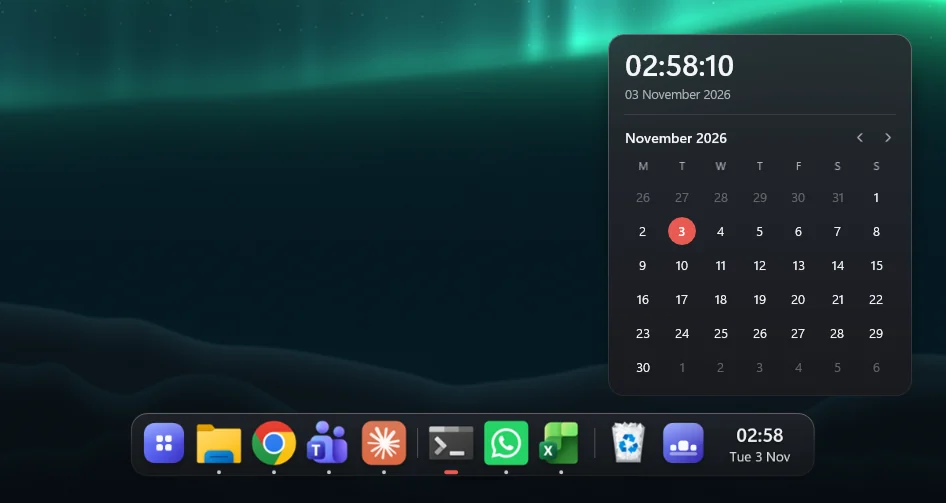
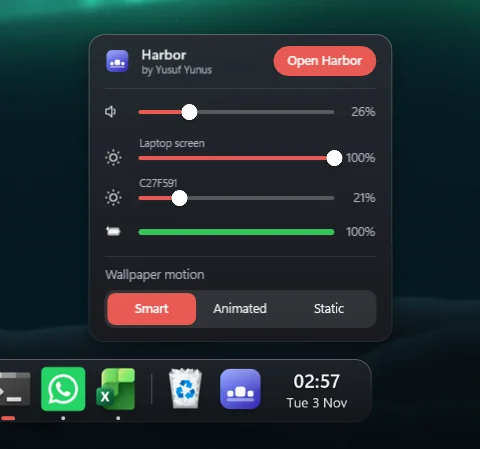
Harbor gives Windows a floating dock: magnification that follows the pointer, real blurred glass, one icon per app, live window previews and a Now Playing tile. It runs on every screen, sized correctly even when the screens are scaled differently. Hover its own icon for volume, a brightness slider per monitor and battery.
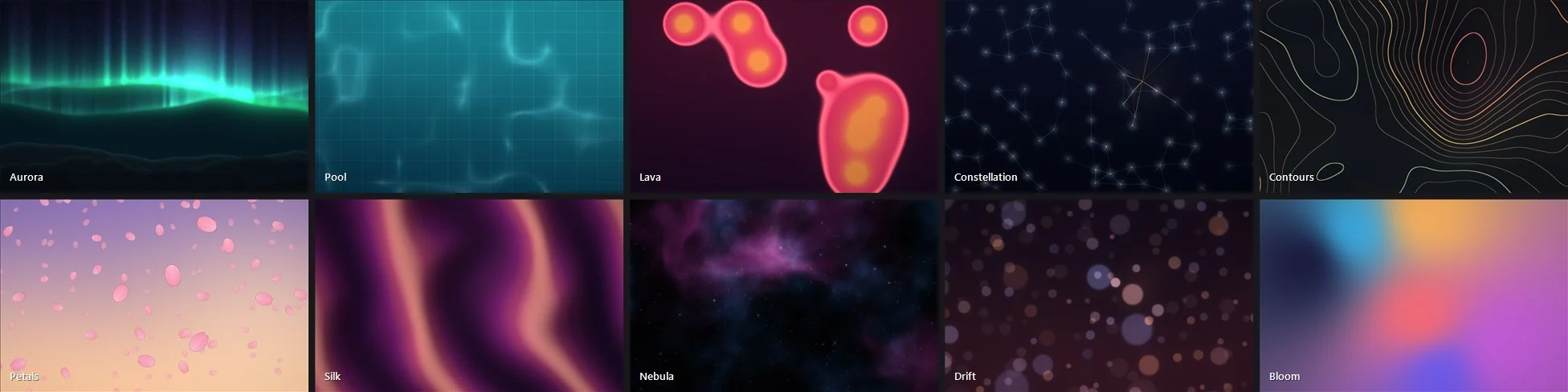
Behind the desktop icons run ten wallpaper scenes that react to the mouse, drawn at each screen's own resolution. Clicks send ripples through them, and the bass, mids and treble of whatever the PC is playing can drive the picture. The wallpaper stops when it's hidden, under a full-screen game or when the PC is locked, and slows down on battery.
The dock is drawn with Windows.UI.Composition, so its animations run on the system compositor with no per-frame work in Harbor. The wallpaper renders with Direct3D 11 on its own thread, one swapchain per monitor. There are no accounts, no telemetry and no network calls, and it ships as a single installer that needs no admin rights and carries its own copy of .NET.
Try it Running live in your browser
Touch the wallpaper. Sweep the dock.
Click anywhere for a ripple
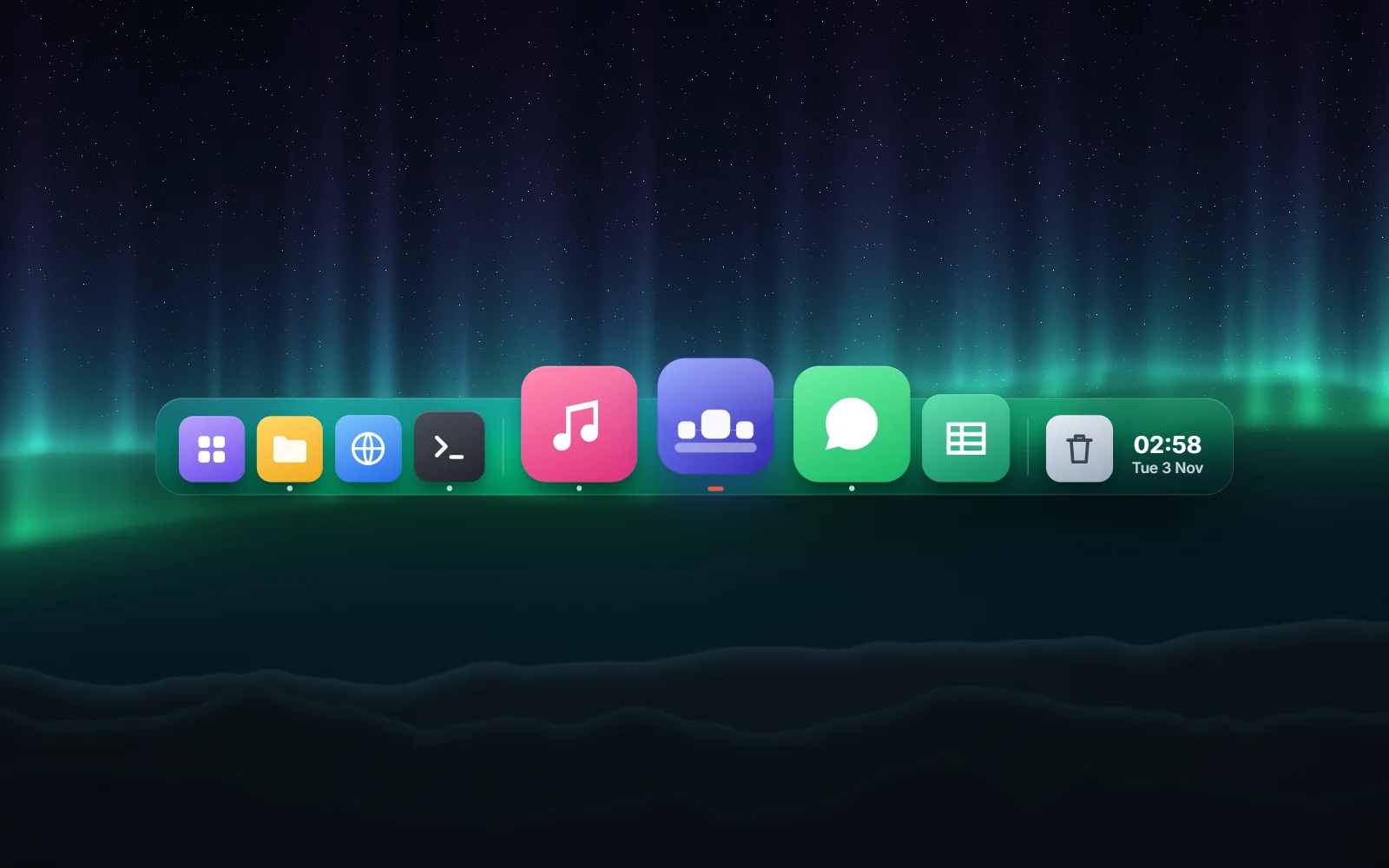
Harbor's own ten scenes, translated from its Direct3D shaders to WebGL. The app's dock holds your apps; here its icons switch the wallpaper.